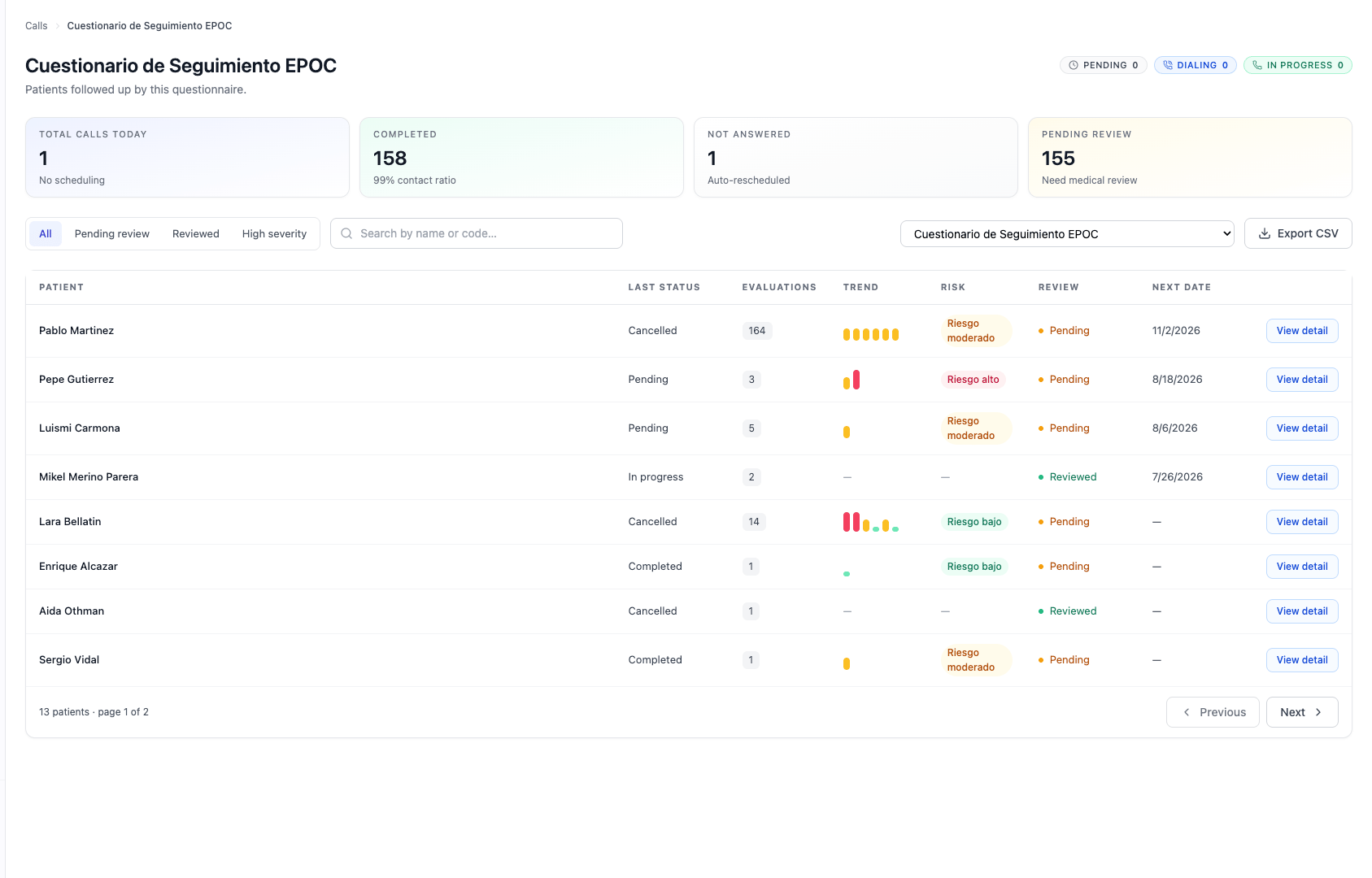
The calls panel is the operational view for reviewing how calls are going. In OlivIA it is not split into inbound and outbound: it is organized by questionnaire (protocol).

Choose the protocol

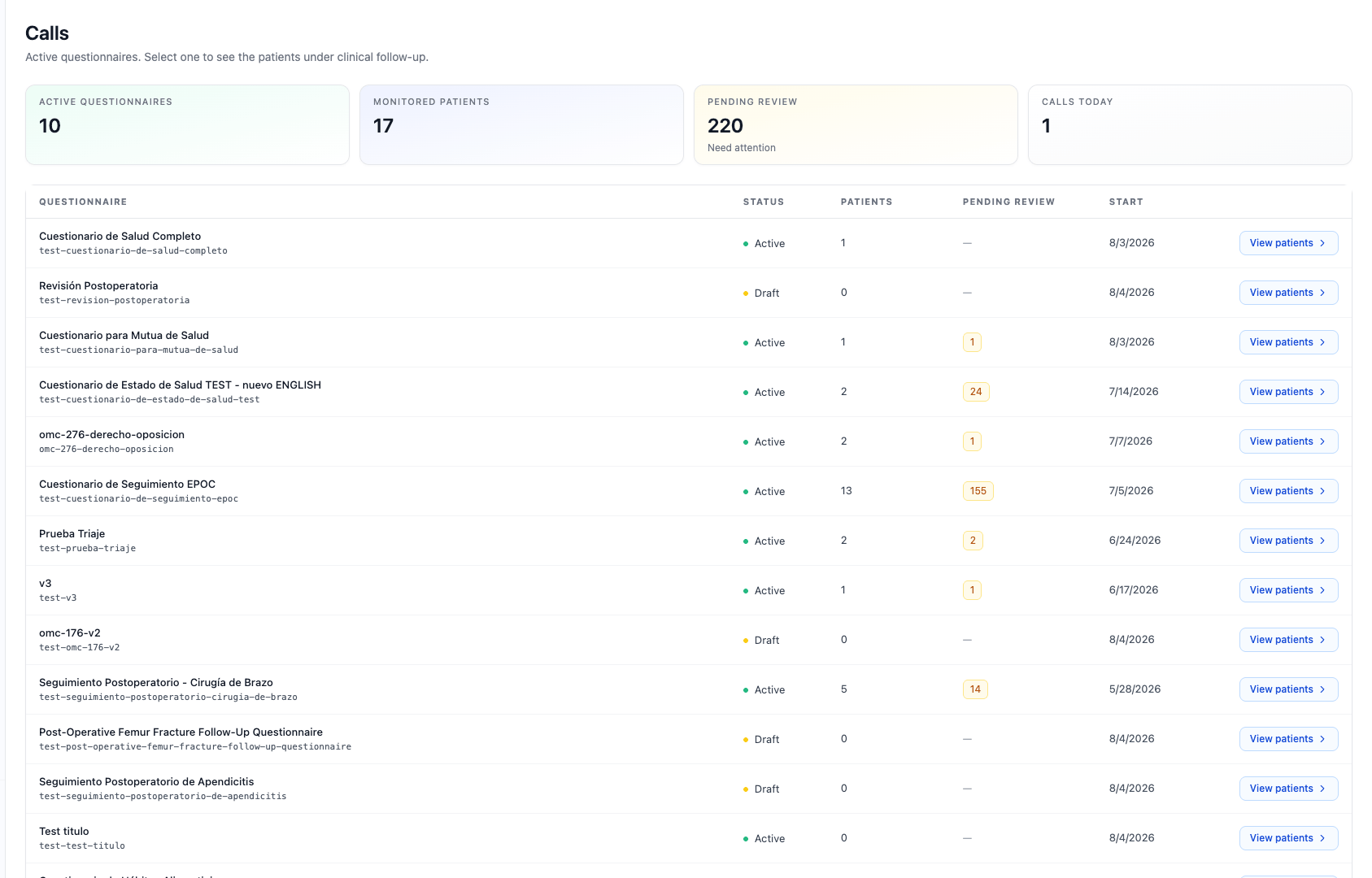
First you choose the protocol whose calls you want to review. Calls panel: protocol selection
Calls for the protocol

Within a protocol you see all its calls, with their status and direction (inbound triage or outbound follow-up), and you can open the detail of each one. Calls panel for a protocol Each call shows its status (pending, in progress, completed, no answer, transferred…) and its direction. From the detail you reach the transcript, the questionnaire answers, the score, and the recording (if available). See also Risk and scoring and, for API access, Results.